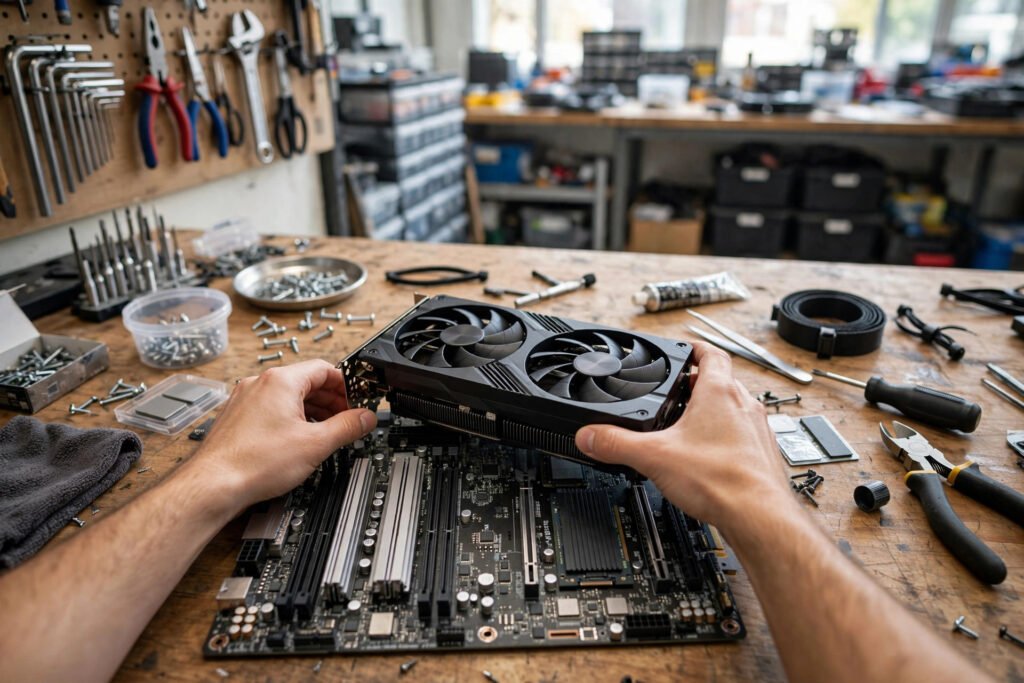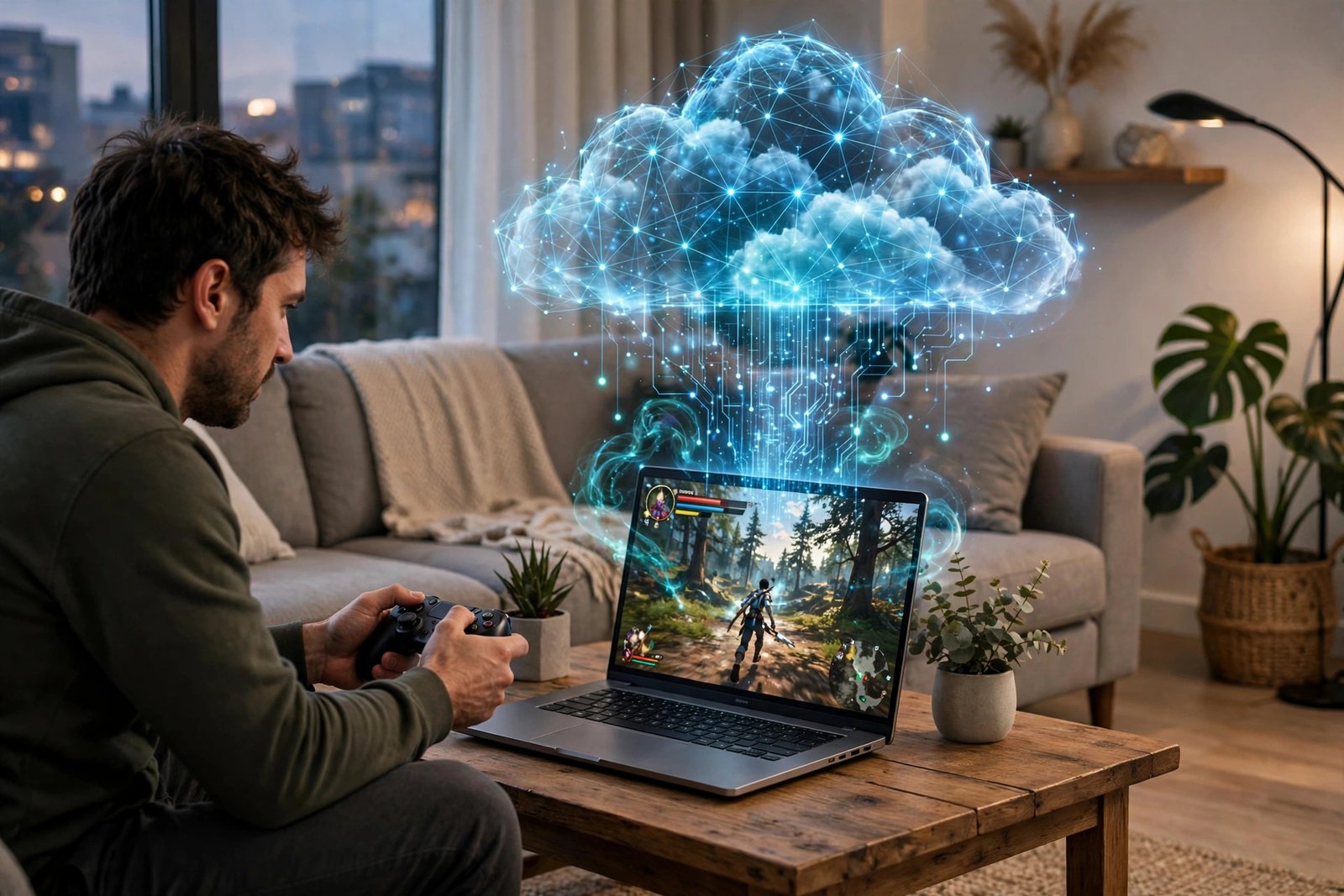
Cloud gaming promised to kill the gaming PC: why spend $1,500 on hardware when a data center can render the game and stream it to whatever screen you own? A decade into the experiment, the technology mostly works — and yet gaming PCs are selling just fine. So is cloud gaming worth it in 2026? The honest answer is the most useful kind: it’s spectacularly worth it for specific people and use cases, and a frustrating compromise for others. This guide breaks down how the services actually perform today, what they cost versus owning hardware, and exactly who should subscribe — and who should keep their money.
How cloud gaming actually works (and what it feels like)
The concept is simple: you press a button, the input travels to a remote server running the actual game, and the video streams back to your device — like Netflix, but interactive. The technology challenge is latency: the round trip from your controller to the server and back must happen fast enough that you don’t feel it. In 2026, on a good connection (25+ Mbps, low ping, ideally wired), the major services feel remarkably close to local play for most genres. Single-player adventures, RPGs, strategy games, and platformers are essentially indistinguishable from running locally.
Where you still feel it: competitive first-person shooters and fighting games, where 30–50ms of added latency is the difference between winning and raging. Professionals and serious ranked players should stay local. Everyone else — the vast majority of players — will find modern cloud gaming somewhere between “totally fine” and “indistinguishable,” depending on their connection and sensitivity.
The services compared: GeForce NOW, Xbox Cloud, and the rest
NVIDIA’s GeForce NOW is the enthusiast pick: it streams games you already own on Steam, Epic, and other stores, with tiers ranging from a free option (limited sessions) to premium plans offering RTX-class graphics and high refresh rates. It’s the closest to “your PC, but in the cloud.” Xbox Cloud Gaming comes bundled with Game Pass Ultimate — an enormous library for one monthly price, playable on phones, tablets, browsers, and TVs with no additional purchases. For Game Pass subscribers, cloud gaming is effectively free.
Amazon Luna and PlayStation Plus Premium round out the field, each tied to their ecosystems. The strategic question isn’t which service is “best” — it’s which one matches the games you already own or the subscription you already pay for. A Steam library owner and a Game Pass subscriber have different correct answers, and both are right.
The real cost math: subscription vs. hardware
Let’s run honest numbers. A premium cloud tier runs roughly $10–20/month — $120–240/year. A mid-range gaming PC costs $1,000–1,400 and lasts 4–5 years, or $200–350/year amortized, plus electricity and occasional upgrades. Over five years, cloud gaming’s premium tiers cost roughly the same as owning mid-range hardware — sometimes slightly more. The free and cheap tiers, though, demolish the math: GeForce NOW’s free tier or a Game Pass subscription you already own makes cloud gaming dramatically cheaper than any PC.
But cost-per-year misses the real comparison. Cloud gaming eliminates the $1,000+ upfront outlay, the upgrade treadmill, the driver troubleshooting, and the dead-hardware risk. It also eliminates ownership: you can’t mod freely, offline play is limited or nonexistent, and your library depends on publishers’ continued participation. The FTC’s consumer guidance on digital purchases is worth reading — it clarifies what you actually own (and don’t) in subscription gaming models.
Who cloud gaming is perfect for
Cloud gaming shines for: casual and story-driven players who value convenience over competitive edge; Mac and Chromebook owners whose machines can’t game locally (your thin laptop becomes a high-end rig); travelers and multi-device households (start on the TV, continue on the phone); budget-conscious players avoiding the upfront hardware hit; and anyone curious about PC gaming without committing $1,000 to find out if they like it. For these users, cloud gaming isn’t a compromise — it’s the obviously correct choice.
It’s also transformative for living-room gaming without a console: a smart TV plus a controller plus a subscription replaces a $500 box. And for parents, the appeal is real — no expensive hardware for kids to break, no installations to manage, instant access to age-appropriate libraries.
Who should skip it
Skip cloud gaming (or use it only as a supplement) if you’re a competitive multiplayer gamer where latency matters, if your internet is slow, data-capped, or unreliable — cloud gaming eats 10–20GB per hour at high settings, which destroys capped plans — or if you love modding, which cloud platforms restrict. Rural players with poor broadband are simply not the audience yet, though expanding infrastructure keeps shrinking that group. Check your real-world speeds and data cap before subscribing: the FCC’s broadband resources help you understand what your connection can actually deliver.
Also consider your library philosophy. If you value truly owning games — playing offline in twenty years, modding freely, preserving access regardless of corporate decisions — local hardware remains the answer. The cloud is a service; a PC is property.
Getting the best experience: setup matters
Cloud gaming quality is 80% network. Use wired Ethernet wherever possible — it beats even excellent Wi-Fi for stability. If you must use Wi-Fi, sit near the router on the 5GHz band. Close bandwidth hogs (4K streams, big downloads) during sessions. Choose the server region closest to you in the service’s settings. And invest in a good controller — input feel matters more when the game is remote. For context on what your connection needs, read up on the internet speed you need for 4K streaming — cloud gaming’s demands are in the same ballpark, plus latency sensitivity.
The broader cloud lesson applies elsewhere too: just as cloud storage vs. an external hard drive is a tradeoff between convenience and control, cloud gaming trades ownership for accessibility. Neither choice is wrong — they’re different tools for different priorities.
Conclusion
Is cloud gaming worth it in 2026? For casual players, Mac owners, travelers, and the budget-conscious — absolutely, and it’s never been better. For competitive gamers, modders, the data-capped, and ownership purists — not as a replacement, though it makes a fine supplement. The technology crossed the “good enough” threshold years ago; what remains is matching the service to your games, your connection, and your priorities. Try the free tiers first — the experiment costs nothing, and you might discover your next gaming PC is a subscription.
Frequently Asked Questions
Do I need fast internet for cloud gaming?
Yes — 25+ Mbps for 1080p, 45+ Mbps for 4K, with low latency and ideally a wired connection. Data caps matter too: cloud gaming uses 10–20GB per hour at high settings.
Is GeForce NOW or Xbox Cloud Gaming better?
GeForce NOW if you own a Steam/Epic library (it streams games you bought); Xbox Cloud Gaming if you want Game Pass Ultimate’s all-you-can-play library. Many players use both for different purposes.
Can you play competitive shooters on cloud gaming?
Casually, yes; competitively, no. The added 30–50ms latency is imperceptible in most genres but decisive in ranked FPS and fighting games.
Is cloud gaming cheaper than buying a gaming PC?
Free and cheap tiers are dramatically cheaper. Premium tiers ($10–20/month) cost roughly the same as owning mid-range hardware over 4–5 years — but with zero upfront cost and no upgrade hassle.