Is a 144Hz Monitor Worth It for Casual Gaming in 2026?
Is a 144Hz monitor worth it for casual gaming? We break down refresh rates, real-world differences, GPU needs, and when the upgrade is truly worth it.
Written by admin
Published October 31, 2026
Reading time 6 minutes
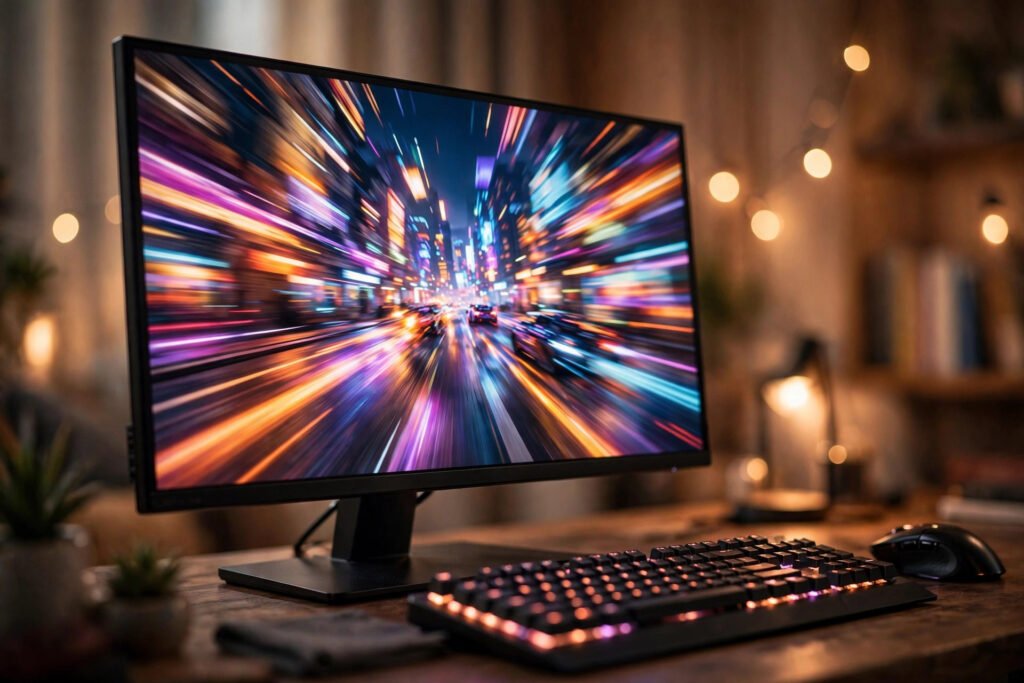
Walk into any electronics store in 2026 and you will see the pitch everywhere: 144Hz, 165Hz, even 240Hz monitors, all promising buttery-smooth motion that will “transform your gaming.” But if your gaming diet is more Stardew Valley, cozy RPGs, and the occasional Fortnite match with friends than competitive esports, a fair question arises: is a 144Hz monitor actually worth it for casual gaming, or is it expensive overkill?
The honest answer is more nuanced than the marketing suggests. A high-refresh monitor genuinely changes how games feel — but whether that change matters to you depends on what you play, what your PC can drive, and what you are giving up to get it. Let us break it down without the hype.
What 144Hz Actually Means
A monitor’s refresh rate is how many times per second it redraws the image: a standard 60Hz display redraws 60 times per second, while a 144Hz display redraws 144 times. Higher refresh rates mean each frame stays on screen for less time, which reduces motion blur and makes movement look dramatically smoother — especially when you pan the camera or track fast-moving objects.
Here is the catch most marketing glosses over: your monitor can only show what your computer actually renders. If your GPU produces 55 frames per second in a game, a 144Hz monitor will not magically create the missing frames. You only get the full benefit when your system pushes frame rates near or above the refresh rate. For casual gamers on mid-range hardware, that is the first reality check.
Where You Will Actually Notice the Difference
Not all games benefit equally. The difference between 60Hz and 144Hz is most dramatic in:
Fast-paced shooters and competitive games. In titles like Valorant, Counter-Strike 2, or Apex Legends, high refresh rates genuinely improve target tracking and reaction feel. Even casual players notice aiming feels more “connected.”
Fast camera movement. Any game where you whip the camera around — racing games, action RPGs, even Minecraft with fast mouse movement — looks and feels smoother.
Everyday desktop use. This surprises people: scrolling web pages, dragging windows, and moving the cursor all feel noticeably smoother at 144Hz. Once you experience it, 60Hz can feel sluggish by comparison. It is the one benefit every casual user gets regardless of what they play.
Where you will notice it least: slow-paced strategy games, turn-based RPGs, visual novels, and cinematic story games locked at 30 or 60 fps. If your library is mostly these, the upgrade is subtle.
The Hidden Costs Nobody Mentions
A 144Hz monitor is not just the price tag on the box. Consider the full picture:
Your GPU has to keep up
Driving 144 frames per second at 1080p demands a solid mid-range graphics card; at 1440p, you need something considerably stronger. If your current setup struggles to hit 60 fps, a 144Hz monitor buys you almost nothing until you upgrade the GPU too — and that is where the real money goes. Before buying, check what frame rates your PC actually achieves in your favorite games.
Panel quality trade-offs
Budget 144Hz monitors often use fast TN or VA panels that sacrifice color accuracy, contrast, or viewing angles compared to a good 60Hz IPS display at the same price. For casual gaming — where gorgeous visuals in games like Baldur’s Gate 3 or Elden Ring matter more than shaving milliseconds — a beautiful 60Hz or 75Hz IPS panel can be the better experience. If you are building a full setup, it is worth reading about budget tech that punches above its price before deciding where your dollars go.
Your internet still matters
For online casual play, a smooth display means little if your connection stutters. Many gamers upgrade their monitor while ignoring their network — improving your home WiFi signal in every room often delivers a bigger real-world improvement for online gaming than a refresh-rate bump.
144Hz vs. 165Hz vs. 240Hz: Diminishing Returns
The jump from 60Hz to 144Hz is transformative — most people can identify it blind. The jump from 144Hz to 240Hz is far subtler; even experienced gamers struggle to tell in blind tests, and it matters almost exclusively for competitive esports. For casual gaming, 240Hz is firmly in overkill territory. The sweet spot for most casual players in 2026 is a 144Hz or 165Hz IPS panel at 1080p or 1440p, which has become genuinely affordable.
There is also a middle path: many excellent monitors now offer 100Hz or 120Hz, delivering most of the smoothness benefit at lower prices and with less demanding GPU requirements. Do not overlook them.
So, Should a Casual Gamer Buy One?
Here is a practical decision framework:
Yes, worth it if: your PC already pushes high frame rates in the games you play; you play any shooters, racing, or action games; you do lots of general computer use and would enjoy the smoothness everywhere; or you are buying a monitor anyway and the 144Hz option costs only slightly more.
Skip it if: your GPU cannot exceed 60 fps in your favorite games (upgrade the GPU first); you mostly play slow strategy, story, or cozy games; you would have to sacrifice panel quality or size to afford the refresh rate; or your budget is tight and the money is better spent elsewhere in your setup. A great gaming experience is about the whole picture — which is why planning matters, whether it is hosting a game night everyone will enjoy or building your battlestation.
One more consideration: adaptive sync. Whatever refresh rate you choose, make sure the monitor supports FreeSync or G-Sync. These technologies match the refresh rate to your GPU’s output, eliminating screen tearing and making even 70–90 fps feel smooth — arguably a bigger upgrade for casual gamers than raw hertz.
What the Experts Say
Display reviewers at Consumer Reports consistently note that refresh rate is only one factor in monitor quality — color accuracy, contrast, and ergonomics matter as much for everyday enjoyment. The FCC’s broadband data is also a useful reality check: if your online games stutter, the bottleneck is often your connection, not your display. And Forbes’ tech coverage has tracked the steady price drops that make 144Hz genuinely mainstream in 2026 rather than a premium feature.
Conclusion
Is a 144Hz monitor worth it for casual gaming? For most casual gamers in 2026: yes, with caveats. Prices have fallen enough that 144Hz is no longer a luxury tax, the smoothness benefits everything you do on your PC, and adaptive sync makes even modest frame rates feel great. But it is not magic — it will not fix a weak GPU, a bad connection, or a game locked at 60 fps. Buy it when your system can feed it frames and the price premium is small; skip it when a better GPU, better panel quality, or better internet would improve your experience more. The best monitor is the one matched to how you actually play.
Frequently Asked Questions
Can the human eye even see above 60fps?
Yes — this myth refuses to die. Most people can clearly perceive the difference between 60Hz and 144Hz in motion smoothness, though sensitivity varies. The benefits diminish sharply beyond 144Hz for non-competitive players.
Do I need HDMI 2.1 or DisplayPort for 144Hz?
For 1080p at 144Hz, most modern HDMI and DisplayPort cables work. For 1440p at 144Hz or higher, you generally need DisplayPort 1.2+ or HDMI 2.0+. Check your monitor’s manual for the right port.
Will a 144Hz monitor help if my PC only gets 60fps?
Barely. The monitor cannot display frames your GPU never renders. With adaptive sync (FreeSync/G-Sync), you will get tear-free 60fps, but the headline smoothness benefit requires higher frame rates.
Is 144Hz bad for your eyes?
No — if anything, higher refresh rates reduce perceived flicker and motion blur, which some users find more comfortable. Eye strain comes mostly from brightness, glare, and lack of breaks, not refresh rate.
Should I get 1080p 144Hz or 1440p 60Hz?
For casual gaming, 1440p at 100–144Hz is the sweet spot if your GPU can handle it. If forced to choose on a budget, prioritize the resolution and panel quality for story-driven games, or the refresh rate for action and shooters.