
Best Gaming Laptop Under $1000 in 2026: Top Picks
The best gaming laptop under $1000 in 2026: what your money buys, the specs that matter most, where the values hide, and red flags to avoid. Play more.
Written by admin
Published October 23, 2026
Reading time 6 minutes
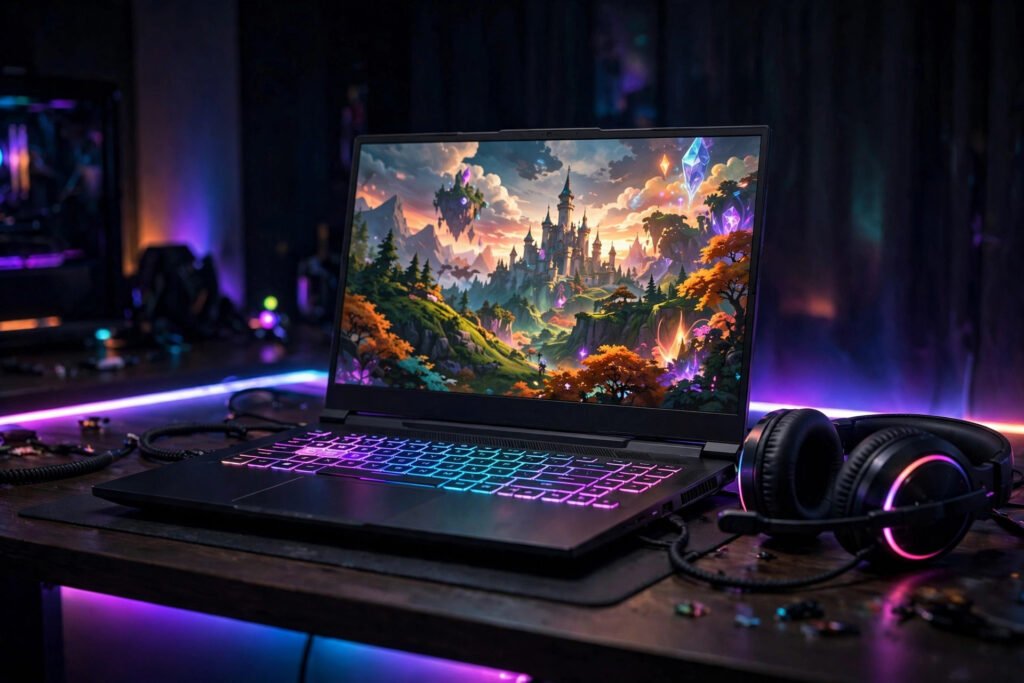
Gaming laptops used to force an ugly choice: pay flagship money or settle for a machine that choked on anything released after 2019. That tradeoff has quietly collapsed. In 2026, the sub-$1,000 segment is genuinely competitive — modern budget GPUs, high-refresh displays, and efficient processors have trickled down to prices that would have been fantasy five years ago. You won’t get a 4K desktop replacement, but you absolutely can get a machine that runs current AAA titles smoothly at 1080p. The trick is knowing where manufacturers cut corners, because at this price every laptop hides its compromises somewhere.
What $1,000 actually buys in 2026
Set expectations correctly and you’ll be delighted; expect miracles and you’ll be disappointed. A good 2026 budget gaming laptop typically packs a current-generation mid-range GPU (think NVIDIA’s RTX 4050-class or AMD’s competing mobile chips), a 6-to-8-core processor, 16GB of RAM, a 512GB SSD, and a 144Hz 1080p display. That combination handles esports titles at high frame rates and AAA games at medium-to-high settings at 1080p — which, on a 15.6-inch screen, looks excellent.
What you give up versus $1,500+ machines: premium build materials (expect plastic chassis), thinner profiles, better cooling (budget laptops run louder and hotter), brighter color-accurate displays, and battery life — gaming laptops are still desk-bound creatures that sip power. None of these are dealbreakers for actual gaming; they’re lifestyle compromises. Before buying, it’s worth reading up on whether paying extra for more RAM is worth it, since memory is one of the few specs you can sometimes upgrade later yourself.
The specs that matter (and the ones that don’t)
Prioritize in this order: GPU first, always. The graphics chip determines gaming performance more than everything else combined, so allocate your budget toward the strongest GPU in the price bracket and compromise elsewhere. Second, the display: a 144Hz panel is now standard in this segment and makes an enormous difference in how games feel — don’t accept 60Hz in 2026. Third, 16GB of RAM as a minimum; 8GB machines still exist at this price and should be avoided unless the RAM is user-upgradeable.
What matters less than marketing suggests: CPU differences between mid-range chips barely affect gaming frame rates. Storage beyond 512GB is nice but external drives are cheap. And RGB lighting, thin bezels, and exotic cooling claims are garnish — tasty, but not nutrition. One genuinely useful spec to check is the GPU’s wattage (TGP): the same GPU model can perform very differently at 75W versus 115W, and budget laptops sometimes pair a good chip name with a starved power limit.
Where the best values hide
The sub-$1,000 champions tend to come from the same handful of lineups year after year: Acer’s Nitro series, Lenovo’s LOQ and IdeaPad Gaming lines, ASUS TUF Gaming, HP Victus, and MSI’s budget offerings. These manufacturers compete viciously on price, which is great for you. The winning strategy is patience plus price tracking: previous-generation models routinely drop $150–250 when new lineups launch, and a last-gen laptop at $800 often outperforms a current-gen one at $999.
Timing matters enormously. Back-to-school season (July–August), Black Friday, and the weeks after major GPU launches are when the deepest discounts appear. Open-box and manufacturer-refurbished units from reputable sellers can shave another 10–20% — just confirm the warranty terms match new units. The FTC’s consumer guidance on warranties and return policies is worth a skim before buying refurbished from any seller.
Red flags to avoid
Walk away from any 2026 gaming laptop with 8GB of non-upgradeable RAM, a 60Hz display, or a previous-previous-generation GPU being sold at “discount” prices that aren’t actually discounts. Be wary of machines with single-channel RAM (one stick instead of two) — it kneecaps performance and is cheap for manufacturers to do. Check reviews specifically for thermal throttling: some budget designs can’t sustain their advertised boost clocks, meaning the benchmark numbers evaporate after ten minutes of real gaming. And don’t forget the best budget noise-canceling headphones under $100 — budget gaming laptops have loud fans, and good headphones transform the experience in a dorm or shared apartment.
Stretching your dollar further
A few power moves: buy RAM and storage upgrades separately and install them yourself — manufacturers charge steep premiums for configurations you can replicate for half the price. A cooling pad ($25–40) meaningfully helps budget laptops sustain performance. Undervolting or modest power-limit tweaks (well-documented for most models) can reduce heat and noise without hurting frame rates. And keep the machine plugged into Ethernet when gaming competitively; Wi-Fi variance causes more lost fights than any spec deficiency. Also check Energy Star’s certified product lists — efficient models run cooler and cheaper over their lifespan.
Desktop vs. laptop at $1,000
An honest question worth asking: at this budget, would a desktop serve you better? Dollar for dollar, a $1,000 desktop outguns a $1,000 laptop significantly — desktop GPUs run at full power without thermal constraints, upgrades are trivial, and the machine lasts longer. If you game exclusively at one desk and don’t need portability, a prebuilt desktop or even a self-built tower delivers roughly 30–40% more performance per dollar.
But most buyers choosing a laptop need the portability: dorm rooms, small apartments, gaming at a friend’s place, or a single machine that also handles school and work. A gaming laptop is a compromise, but it’s a compromise that fits real lives. If you’re on the fence, ask where you’ll actually play 90% of the time. Desk-only means desktop; anywhere-else means laptop. There’s no wrong answer — only the wrong machine for your life. And if you go the laptop route, the advice in this guide still applies: GPU first, 144Hz display, 16GB of RAM, buy on sale.
Conclusion
The best gaming laptop under $1,000 in 2026 isn’t a compromise machine — it’s a genuinely capable 1080p gaming rig that happens to cost less than a flagship phone. Focus your money on the GPU and a 144Hz display, insist on 16GB of RAM, buy during sale seasons, and avoid the classic traps of weak displays and starved power limits. Do that, and you’ll be playing this year’s biggest releases smoothly while the person who overspent on branding wonders why their games don’t look any better. Happy hunting — your next favorite game is waiting.
Frequently Asked Questions
Can a $1,000 laptop run new AAA games?
Yes, at 1080p with medium-to-high settings. Expect 60+ fps in most current titles on a well-chosen RTX 4050-class machine. You won’t get 4K or maxed-out ray tracing, but the actual gameplay experience is excellent.
How long will a budget gaming laptop last?
Typically 3–4 years of solid 1080p gaming before newer titles force settings down to low. Machines with upgradeable RAM and storage, plus good cooling, tend to age the most gracefully.
Is it better to buy last year’s model on sale?
Very often yes. A previous-generation laptop discounted to $750–850 frequently outperforms a current-generation model at $999, since generational gains in the mid-range have been modest.
Do I need 16GB of RAM for gaming?
In 2026, yes — 16GB is the practical minimum. Modern games plus background apps (Discord, browser, launchers) routinely exceed 8GB, and stuttering from insufficient RAM is one of the most common budget-laptop complaints.