
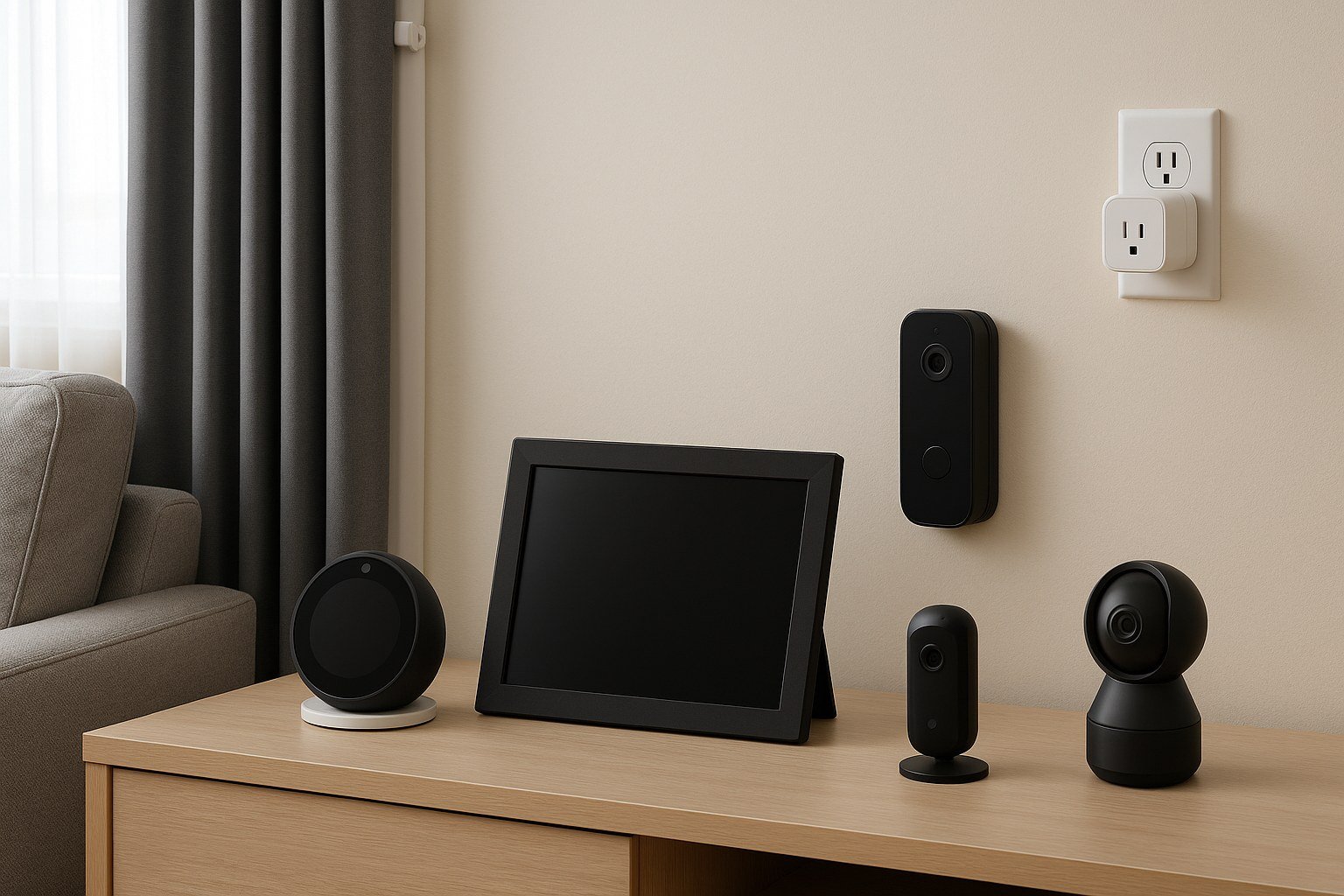
Your home is getting smarter — speakers, doorbells, thermostats, cameras, even fridges — and every one of them is a data collector that happens to also do something useful. So what are the privacy concerns with AI home devices? Not the sci-fi scenarios. The real, documented, happening-now issues — and what you can actually do about them.
What Are the Privacy Concerns With AI Home Devices? The Microphone Problem
Smart speakers listen for wake words locally — but false activations send unintended audio to the cloud regularly, and companies have used human reviewers on recordings. Smart TVs with voice remotes, some soundbars, even appliances now include microphones. The concern isn’t one device; it’s the accumulation: multiple always-on microphones from multiple companies, each with its own policies, breaches, and business models. See the voice assistant deep-dive for the full mechanics.
Mitigation is straightforward: use physical mute buttons (they electrically disconnect mics — the only real guarantee), review and auto-delete voice histories, and think about placement — the bedroom and home office deserve more caution than the kitchen.
Cameras: The Higher-Stakes Sensor
Video doorbells and indoor cameras raise the stakes from audio snippets to continuous footage of your life. Concerns: cloud storage of your comings and goings (subpoenable, breachable), facial recognition features identifying visitors without their consent, and data-sharing with third parties — including, in documented cases, law enforcement partnerships users didn’t fully understand they were part of.
Best practices: prefer local storage over cloud where possible, disable facial recognition unless you specifically want it, use strong unique passwords plus two-factor authentication (camera hijacking is a real, documented phenomenon), keep firmware updated, and consider: does the indoor camera need to exist? The Electronic Frontier Foundation’s privacy guides are the gold standard for evaluating specific devices before you buy.
The Data Economy Behind the Devices
Here’s the structural issue: many smart home devices are cheap because your data subsidizes them. Usage patterns, occupancy (when you’re home), routines, voice data — aggregated, analyzed, and in many cases shared with partners or used for advertising profiles. The FTC has taken action against companies for deceptive data practices in this space, but enforcement lags the market.
Your thermostat knows when you’re home. Your doorbell knows your visitors. Your speaker knows your questions. Each dataset seems innocuous; combined, they’re an intimate portrait. This is the same trade-off as sharing data with chatbots and everyday AI — convenience purchased with information. The question isn’t whether to participate (that’s personal), but whether you’re choosing consciously.
Room-by-Room Smart Home Privacy Guide
Privacy isn’t one-size-fits-all — it depends on where the device lives. Here’s the room-by-room audit.
Bedroom: Highest sensitivity. Recommendation: no always-listening speakers, no cameras, period. If you want a smart alarm, use one with a physical mic switch that’s off by default, or just use your phone. The convenience of “turn off the lights” from bed doesn’t justify a microphone where you sleep. This is the easiest privacy win in the house.
Home office: High sensitivity — work calls, confidential discussions, visible documents. No smart speakers during work hours (use the mute button as a ritual when sitting down). Cover laptop cameras when not in use. If you take sensitive calls, consider whether the room’s devices should be unplugged, not just muted.
Living room / kitchen: Medium sensitivity — the natural home for speakers and displays. Keep them here, configured properly: auto-delete on, human review off, unnecessary skills removed. The family hub is fine; just don’t treat default settings as decisions.
Entryway / exterior: Video doorbells serve genuine security — keep them, but: disable audio recording if video suffices for your needs, know your state’s recording consent laws, inform regular visitors, and prefer local storage. Point cameras at your property, not the neighbor’s windows — a courtesy that also avoids legal trouble.
Kids’ rooms: No connected microphones or cameras. Full stop. The risks (hacking, data collection on minors, accidental recordings) vastly outweigh any convenience. A simple audio-only monitor for babies, replaced by nothing as they grow.
Walk your home with this list once a year. Devices accumulate — the speaker someone got you last Christmas, the camera from the security bundle. Each one deserves the room test: does its location justify its sensors? If not, move it, mute it, or remove it. Privacy in the smart home is mostly just intentionality, applied one room at a time.
Smart Home Privacy FAQs
What’s the single most private smart speaker?
Apple’s HomePod processes more on-device and comes from a company whose business isn’t advertising — the structural privacy pick. But “most private” still means cloud-connected with an account. The most private speaker is one with the microphone physically muted except when needed. Hardware beats policy.
Can smart home devices be hacked?
Yes — documented cases include camera hijacking, usually via weak/reused passwords rather than sophisticated exploits. Defense: unique strong passwords, two-factor authentication everywhere, firmware updates, and network segmentation (IoT devices on a separate network). The basics stop the vast majority of attacks.
Should I worry about my TV listening?
Smart TVs with voice remotes do process voice commands (cloud-side, typically), and some models have had questionable data practices around viewing habits. Mitigations: disable voice features if unused, review privacy settings (opt out of “viewing information services”/ACR where possible), and consider whether the TV needs internet at all if you use external streaming devices. The TV is the most-overlooked sensor in the home.
A Practical Privacy Setup
- Network segmentation: Put smart home devices on a separate Wi-Fi network or VLAN from your computers and phones. Limits breach blast radius.
- Audit quarterly: Review connected devices, third-party skills/integrations, and sharing settings. Remove what you don’t use.
- Defaults are not your friend: During setup, decline every optional data-sharing toggle. You can enable later what you actually want.
- Buy with privacy in mind: Check privacy policies before purchase; prefer companies with local processing and clear deletion policies.
- The mute button is a feature: Use it. The inconvenience is the point — it’s the boundary between your home and the cloud.
Smart homes aren’t going away, and the convenience is genuine. But a home full of sensors deserves the same intentionality as your smartphone’s AI features: know what’s collecting, decide what you’re comfortable with, configure accordingly. Privacy in the smart home isn’t about fear — it’s about remaining the person who decides what happens with your data, in the one place that should be unambiguously yours.


