
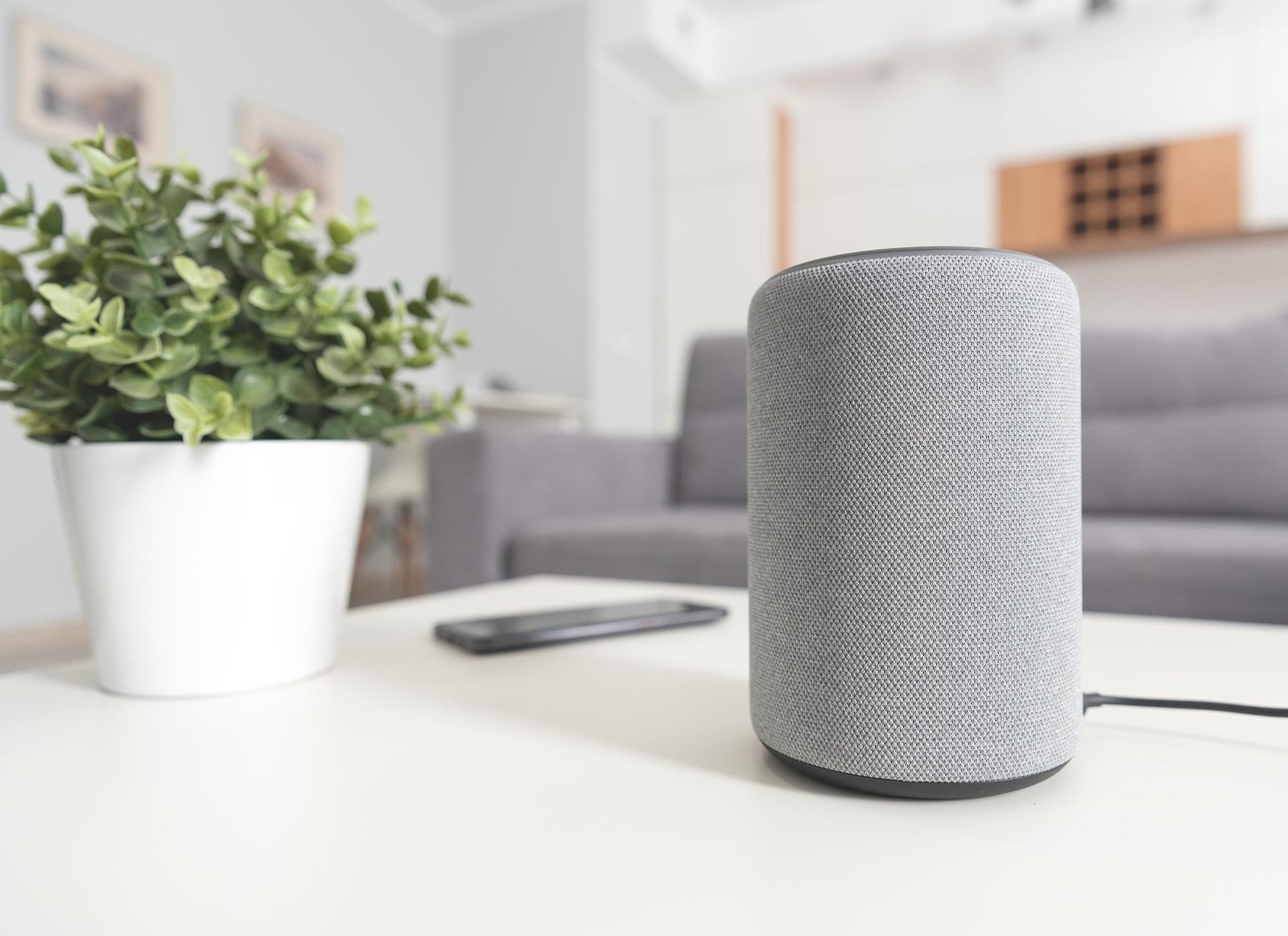
It’s the modern ghost story: you mention hiking boots, and suddenly boot ads everywhere. So let’s answer it head-on — are AI voice assistants listening to your conversations? The technical answer is yes and no, and understanding the distinction is the difference between reasonable caution and paranoia.
Are AI Voice Assistants Listening to My Conversations? How It Works
Smart speakers and phone assistants do listen continuously — but locally, on the device, for one thing only: the wake word (“Alexa,” “Hey Siri,” “Hey Google”). This processing happens on-device; the audio isn’t streamed to the cloud while waiting. Only after the wake word is detected does the device start recording and send audio to company servers for processing.
That’s the design. The complications: false wake-word triggers happen — studies have found smart speakers activate accidentally up to 19 times a day in some households, recording snippets nobody intended. Those accidental recordings go to the cloud like intentional ones. And companies have admitted that human reviewers listened to samples of recordings to improve the AI — including, in some reported cases, accidental captures of private moments. That practice has been scaled back and made more transparent, but the history is worth knowing.
What Gets Stored and For How Long
Your voice requests are typically stored in your account history — you can review and delete them in the Alexa app, Google Home settings, or Apple Home app. Retention policies vary: some companies auto-delete after set periods, others keep recordings until you delete them. Check your settings now; the defaults are usually “keep everything.”
The advertising question deserves a straight answer: Amazon, Google, and Apple all deny using smart speaker audio to target ads directly. The hiking-boots phenomenon is better explained by the rest of the surveillance economy — your searches, location, purchases, and browsing, which absolutely are used for ads. The speaker isn’t the snitch; your phone’s other apps are. Consumer Reports’ privacy testing has documented how much data these ecosystems collect overall — the speaker is one node in a much bigger graph.
Locking Down Your Voice Assistant
- Review and delete voice history regularly — set auto-delete to 3 months if available.
- Opt out of human review of recordings where the option exists.
- Use the mute button. Every smart speaker has a physical microphone disconnect. Use it during sensitive conversations — it’s the only guarantee.
- Limit third-party skills/actions — each one is another company with access. Audit and remove what you don’t use.
- Turn off voice purchasing or require a PIN, especially with kids around.
- Consider placement: bedrooms and home offices deserve more thought than kitchens.
Voice Assistant Settings Worth Changing Today
Ten minutes in settings buys most of the privacy available. Here’s the checklist per platform.
Alexa: Open the app → More → Settings → Alexa Privacy. Review voice history (delete what you don’t need), set up auto-delete (3 months is the sweet spot), and opt out of “Help improve Alexa” / human review under “Manage your Alexa data.” Check “Skill permissions” — revoke anything you don’t actively use. Disable voice purchasing or require a confirmation code (Account Settings → Voice Purchasing).
Google Assistant/Home: Google Home app → Settings → Privacy. Under “Home activity,” set auto-delete to 3 months. In your Google Account’s Data & Privacy settings, turn off “Include audio recordings” for Assistant improvement. Review “Third-party apps with account access” and prune ruthlessly.
Siri/HomePod: iPhone Settings → Siri & Search — review what’s enabled. Settings → Privacy & Security → Analytics — opt out of sharing Siri analytics. Apple’s on-device processing is genuinely better here, but the settings still deserve a look. Delete Siri history periodically (Settings → Siri → Siri History → Delete).
Universal steps: Mute microphones when not in use — especially during sensitive conversations, and consider scheduled muting (e.g., overnight). Audit which devices even need voice: that smart speaker in the bedroom might be better as a dumb speaker. Use strong, unique passwords on all assistant accounts with two-factor authentication — a compromised account means compromised microphones.
None of this makes you untrackable — that’s not the goal. The goal is intentional sharing: your devices collect what you chose to allow, not what defaults silently enabled. Fifteen minutes, once a year, keeps you in charge of the microphones in your home. That’s a trade worth making.
Voice Assistant FAQs
Which voice assistant is most private?
Apple’s Siri processes more on-device and collects less by business model — the structural privacy leader. Google and Amazon assistants are more capable in many respects but exist inside advertising/data ecosystems. Choose based on your priorities: capability vs. privacy is a genuine trade-off here, and honest about it.
Should I put smart speakers in kids’ rooms?
No. The combination of always-on microphones, data collection on minors, and documented accidental recordings makes kids’ rooms the clearest “don’t” in the smart home. Use a simple audio monitor for babies; nothing connected for older kids. Their privacy deserves the strongest default.
Can I use voice assistants without an account?
Mostly no — the major assistants require accounts for full function. Some limited on-device functions work logged out, but the useful features need the cloud account. This is structural: the account is how the service (and its data collection) operates. Factor it into your decision.
The Bigger Picture
Voice assistants aren’t secretly recording your whole life — but they do misfire, store more than you’d guess, and sit inside companies whose business is data. That’s the honest middle ground between “they’re always spying” and “nothing to worry about.” Manage the settings, use the mute button, and keep perspective: if you’re concerned about what you share with AI chatbots and privacy with AI home devices generally, the voice assistant is one piece of a larger privacy posture. The goal isn’t fear — it’s informed control over your own home.
The Conversation Worth Having
Voice assistant privacy ultimately comes down to a household conversation, not just settings. Talk with the people you live with: where should speakers go, what’s okay to ask, when should mics be muted? Kids especially should understand — in age-appropriate terms — that the speaker sends what it hears to a company. Households that discuss it make better decisions than households where one person configures everything silently. Technology this intimate deserves shared ground rules, not unilateral defaults.


