
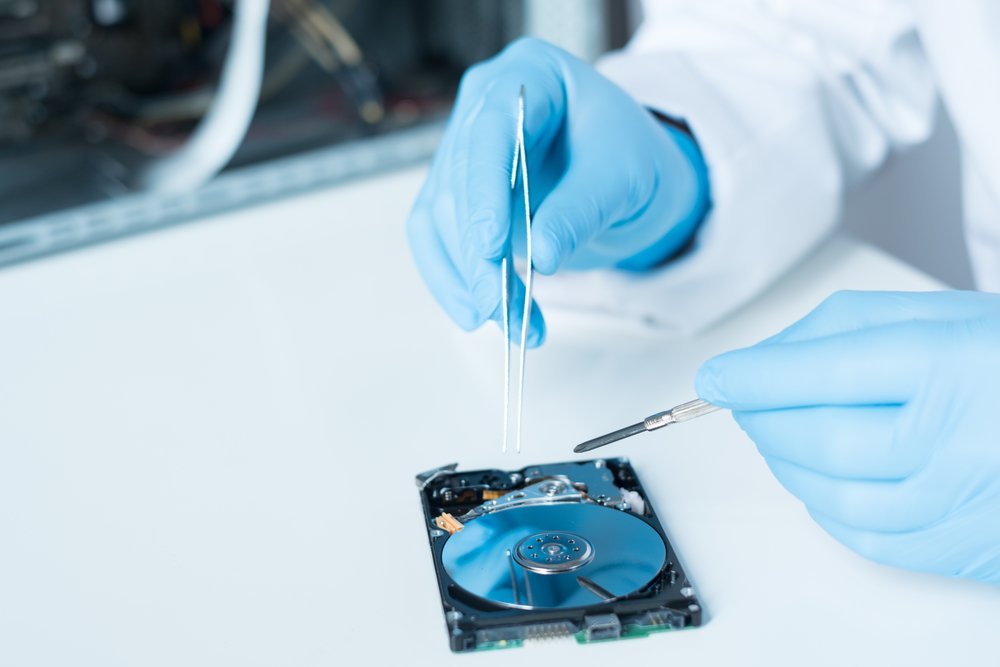
The drive clicks. Nothing mounts. Years of files hang in the balance. So how much does data recovery cost for a broken hard drive — and when is it worth paying?
So, how much does data recovery cost for a broken hard drive? After looking at the options, the prices, and what people actually experience, here's my straightforward take.
The Honest Answer
It depends entirely on the failure. Logical issues (corruption, accidental deletion): $0–$100 with DIY software. Mechanical failure (clicking, not spinning): $300–$1,000 at a reputable lab. Severe damage requiring cleanroom work (platter damage, fire/flood): $1,000–$2,500+. Most reputable labs offer free evaluations — never pay a company that quotes a price without examining the drive.
But the headline number (or simple answer) only tells part of the story. The details below are where the real decisions get made.
Worth a read next: Is cloud storage better than an external hard drive for family photos.
For the official word, check the FTC's guide to data recovery services, which lays out the details straight from the source.
How Much Does Data Recovery Cost for a Broken Hard Drive? Real 2026 Prices
- Free evaluation is standard at legitimate labs — anyone demanding payment upfront to 'take a look' is a red flag.
- Logical recovery ($0–$100): software like Recuva or Disk Drill handles deletion and corruption if the drive still spins.
- What surprised me: Mechanical failure ($300–$1,000): failed heads or motors need a lab with donor parts — this is the most common paid tier.
- Real talk: Cleanroom recovery ($1,000–$2,500+): platter damage or severe trauma; expensive because it genuinely requires specialized facilities.
- 'No data, no fee' policies are the industry standard for reputable firms — insist on it.
Here’s How It Plays Out
A photographer friend's 4TB archive drive started clicking — 8 years of client work. The lab's free evaluation found failed read heads; recovery cost $650 and returned 99% of files. Expensive, but the alternative was explaining to clients why their wedding photos were gone.
What to Do (and Not Do) Right Now
Timing matters more than most people realize. Tech prices follow rhythms — new models drop in predictable seasons, and the previous generation gets discounted right after. If you can wait six to eight weeks, you can often get last season’s flagship for the price of this season’s mid-range option, which is almost always the better deal. Refurbished and open-box items follow a similar pattern, flooding the market right after big launches.
The other timing trap is buying right before you actually need something. Gadgets sitting in a drawer lose value and warranty coverage simultaneously. Buy when you’re ready to use it, not when the deal looks shiny. And if a salesperson is pushing hard, that’s information too — it usually means the margin is good for them, not the value for you. Sleep on any tech purchase over a couple hundred bucks. You’ll thank yourself.
A quick word on security, because this is where people get burned quietly. Most tech headaches I hear about — hacked accounts, lost photos, weird charges — trace back to boring basics: reused passwords, skipped updates, no backup. It’s not exciting advice, but a password manager and two-factor authentication will protect you more than any antivirus subscription ever will. Set them up once and they just work in the background.
Backups deserve their own mention. Not “I’ll get around to it” backups — automatic ones. The 3-2-1 rule is the gold standard for a reason: three copies of anything important, on two different types of storage, with one copy offsite. Cloud plus an external drive covers most people. The day your phone takes a swim or your laptop dies, you’ll either be relieved or devastated, and the difference is entirely decided beforehand.
Worth a read next: How do I erase all data from my phone before selling it.
Tips From People Who’ve Done This
- Veterans of this stuff all say the same thing: stop using the drive immediately — every spin of a failing drive risks more damage.
- Don't skip this: don't open the drive yourself; dust kills exposed platters in seconds.
- This one's easy to overlook: get evaluations from two labs; quotes for the same job can differ by hundreds.
- It's not glamorous, but it works: ask about the 'no data, no fee' guarantee before shipping your drive anywhere.
Mistakes People Keep Making
- Here's a painful one: running 'repair' utilities on a clicking drive — it can destroy what's recoverable. Learn from other people's mistakes on this.
- This trips up beginners all the time: freezing the drive (an old myth) — condensation causes more damage than it ever fixed.
- Watch out for this: choosing the cheapest mail-in service without checking reviews and credentials. It's the kind of thing that seems fine until it isn't.
A Few More Questions Answered
How long does this usually take?
Honestly, it varies more than most guides admit. A straightforward case might take under an hour, while anything involving shipping, appointments, or waiting on parts can stretch to several days. My advice: ask for a realistic timeline up front, then add a buffer. If someone promises it'll be instant, get the details — 'instant' usually means 'the easy part is instant.'
What's the biggest mistake beginners make?
Rushing. People either buy the first option they see or dive into a fix without reading the instructions twice. Slow down, compare at least three options, and read the fine print — especially around warranties, return windows, and what's actually included. Ten extra minutes of patience routinely saves hundreds of dollars.
Is the cheapest option ever the right call?
Sometimes, but rarely for things you depend on daily. The cheapest option usually cuts something — quality, support, longevity, or all three. The sweet spot is almost always the mid-range: proven, reasonably priced, with real support behind it. Buy cheap twice and you've spent more than buying right once.
Wrapping It Up
Free evaluation first, then decide based on what the data is worth to you. And once it's recovered — set up real backups, because nobody wants to pay this bill twice.
At the end of the day, this is one of those things where a little homework pays off fast.
You might also want to check out How much does it cost to replace a phone screen at a repair shop.
One more useful resource: the EPA on recycling dead electronics — worth bookmarking before you make any final decisions.


