
Here’s what happens without a CRM: leads slip through cracks, follow-ups happen “when you get to them” (never), and customer history lives in your head — until you’re busy, and then it lives nowhere. So what is the best CRM software for a small business? The honest answer: the best one is the one you’ll actually use. But some are clearly better starting points than others, so let’s compare the ones worth your time.
What Is the Best CRM Software for a Small Business? Start With Your Needs
Forget the enterprise feature lists. A small business CRM needs to do five things: store contact info in one place, track where each lead stands, remind you to follow up, log what happened in each conversation, and show you the numbers (how many leads, how many closed). Everything else is bonus.
Ease of use beats power at this stage. A CRM with 200 features you never touch is worse than a simple one you open daily — because the value of a CRM is entirely in the habit. If it takes ten clicks to log a call, you won’t log calls. Price matters too, but less than you’d think: several excellent options are free, and even paid ones start around $15–$30 per user per month.
Also consider integrations. Your CRM should talk to your email, your calendar, and ideally your invoicing tool. Manual double-entry between systems is where small teams bleed time — and it’s avoidable if you check integrations before committing.
The Top Picks
HubSpot CRM — best free option. This is the rare product where the free tier isn’t a teaser. Unlimited contacts, deal tracking, email integration, and meeting scheduling at zero cost. It scales into paid tiers as you grow, so you won’t outgrow it in year one. For most small businesses starting from nothing, this is the default recommendation, full stop.
Zoho CRM — best value paid plan. If you outgrow free or want deeper customization, Zoho’s paid tiers start cheap and go deep — automation, analytics, and a whole ecosystem of business apps (email, accounting, helpdesk) that integrate natively. The interface isn’t the prettiest, but the value per dollar is hard to beat.
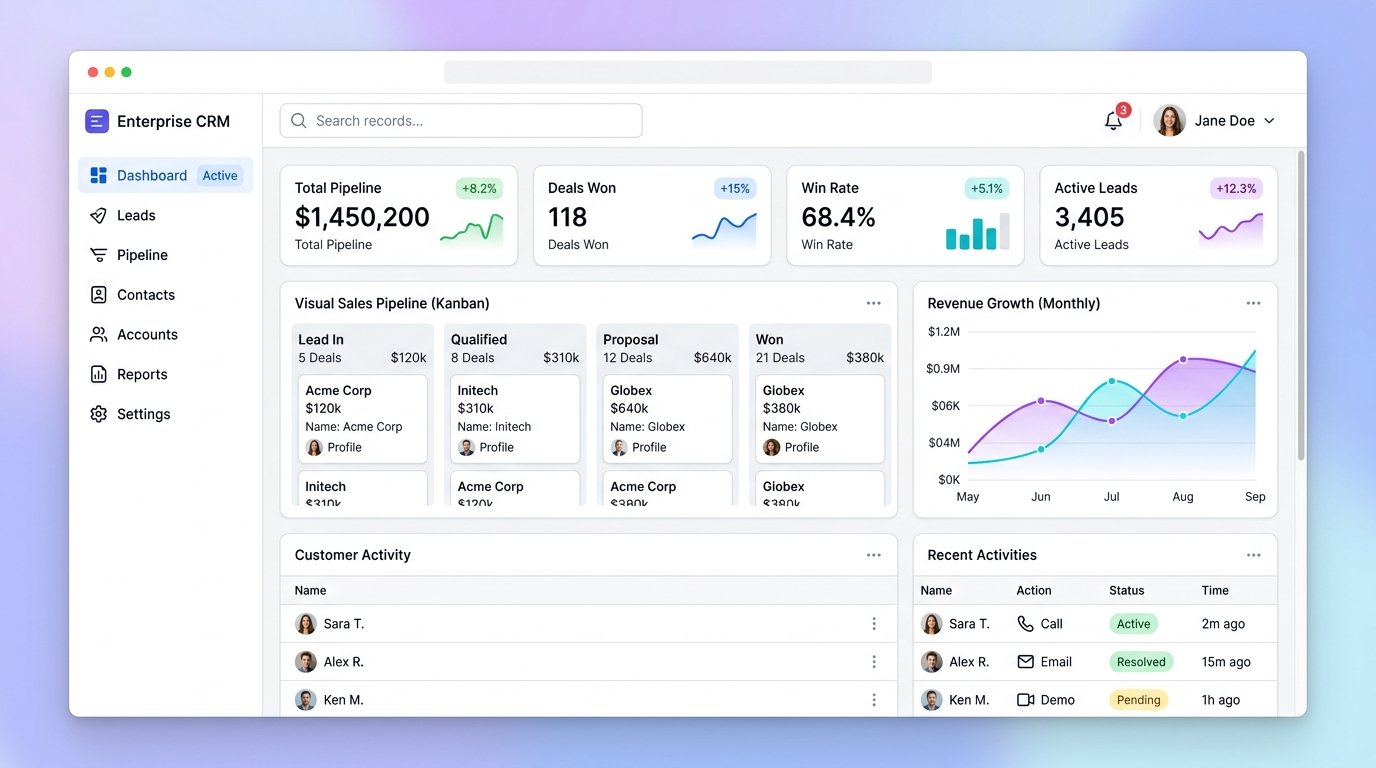
Pipedrive — best for sales-driven businesses. Built around a visual pipeline that makes it obvious what’s happening with every deal. If your business lives or dies on closing deals — agencies, contractors, B2B services — Pipedrive’s focused design keeps the team selling instead of administrating. Starts around $24/user/month.
Freshsales (Freshworks) — best all-rounder. Clean interface, good automation, built-in phone and email, and a free tier for small teams. A strong pick if you want sales and basic marketing in one place without HubSpot’s upsell pressure.
Streak — best if you live in Gmail. It runs inside your inbox, turning Gmail into a CRM. Zero new app to learn. Perfect for solo founders and tiny teams whose entire business runs through email. The trade-off: it gets cramped as you scale.
For the technically curious, how CRM systems work under the hood is worth understanding before you commit your customer data to any platform — data portability matters if you ever switch.
Switching CRMs Without Losing Your Mind (or Data)
Outgrowing your first CRM is a good problem — but migrations go wrong constantly. Here’s how to switch cleanly.
Step 1: Audit before you move. Export everything from the old system and review it: duplicate contacts, dead leads from 2019, contacts with no email. Migration is the perfect excuse to clean house — moving garbage data to a shiny new system just gives you shiny garbage. Decide what comes over (active leads, customers, recent contacts) and what gets archived.
Step 2: Map your fields. The new CRM’s fields won’t match the old one’s exactly. Before importing, map every field: which old field goes where, what to do with custom fields, how to handle tags vs. categories. This 30-minute planning step prevents 90% of migration messes.
Step 3: Test with a sample. Import 50 contacts first. Check that names, emails, notes, deal stages, and history all landed correctly. Fix the mapping, then import the rest. Never bulk-import everything untested — untangling a bad full import takes ten times longer than testing.
Step 4: Run parallel briefly. Keep the old CRM read-only for 30 days while the team works in the new one. This catches anything the import missed without the panic of “it’s gone.” After 30 clean days, export a final backup and close the old account.
Step 5: Retrain the habits. A new CRM fails when the team keeps old habits — logging calls in the old places, skipping the new required fields. Do one training session focused on the three daily workflows, write a one-page cheat sheet, and check adoption weekly for the first month. The system is only as good as its usage, and usage is only as good as its onboarding. Get this right and the new CRM feels like an upgrade within weeks; get it wrong and you’ll be writing “should we switch back?” emails by month two.
How to Choose (and Actually Adopt It)
Start with your workflow, not the feature list. List the five things you do with customers repeatedly — then pick the CRM that handles those with the fewest clicks. Take the free trial seriously: import real contacts, run real deals through it for two weeks. A CRM that feels annoying in week one will feel unbearable in month six.
Then commit. Set up the pipeline stages to match your actual sales process. Connect your email. Import your contacts (yes, all of them, including the spreadsheet you’ve been avoiding). And build the daily habit: every conversation gets logged, every lead gets a next step with a date. A CRM is a networking multiplier — it turns “I should follow up” into a system that actually does.
Pair it with your money tools for the full picture: your CRM tracks the relationship, while free tools for managing a small business and daily expense tracking handle the financial side. Together, that’s the operational backbone most small businesses run on for years — and it can start at exactly zero dollars.


