
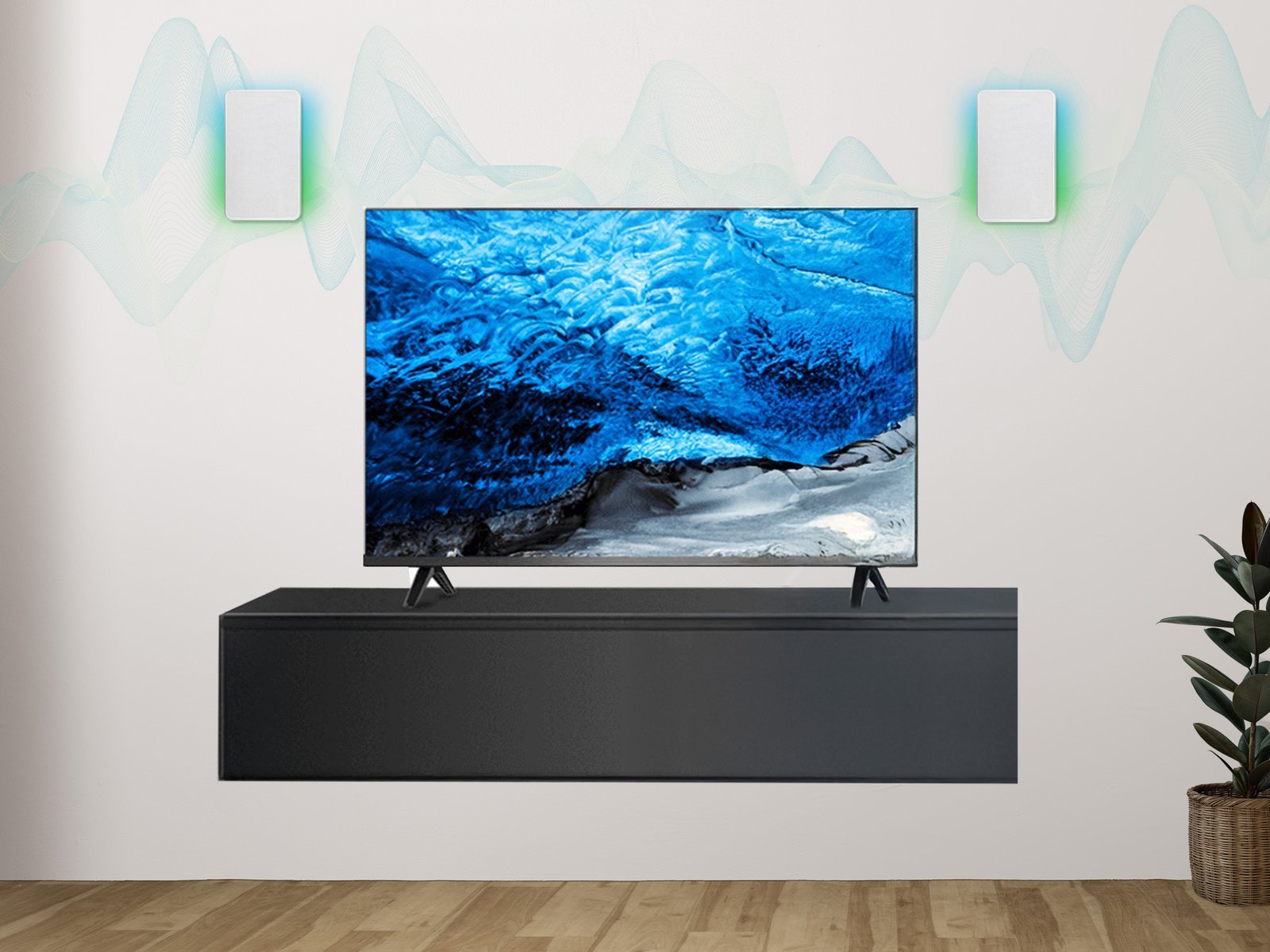
Your TV's built-in speakers sound like a tin can, and there's a perfectly good Bluetooth speaker on the shelf. So can I use a Bluetooth speaker with my smart TV? Good news: probably yes.
So, can I use a Bluetooth speaker with my smart TV? I spent a good chunk of time researching this, comparing options, and reading what real users say. Here's the honest breakdown.
The Honest Answer
Most smart TVs made after 2018 support Bluetooth audio output. On Samsung: Settings > Sound > Sound Output > Bluetooth Speaker List. On LG: Settings > Sound > Sound Out > Bluetooth. Roku and Fire TV devices pair through their own Bluetooth settings menus. The main catch is audio lag (lip-sync delay) — look for speakers with low-latency aptX or use your TV's audio-delay adjustment to fix it.
That's the gist, but the details matter here — they decide whether you overpay, waste time, or get it right the first time.
You might also want to check out How do I mirror my laptop screen to a smart TV.
For the official word, check Samsung's official Bluetooth audio support page, which lays out the details straight from the source.
Can I Use a Bluetooth Speaker With My Smart TV? Setup for Every Brand
- Samsung TVs: Settings > Sound > Sound Output > Bluetooth Speaker List, then put your speaker in pairing mode.
- Worth knowing: LG TVs: All Settings > Sound > Sound Out > Use Wireless Speaker > Bluetooth — select your device from the list.
- Roku/Fire TV: pair through the streaming device's Bluetooth settings rather than the TV itself.
- Pay attention here: Audio lag is the biggest issue: enable your TV's 'audio delay' or 'lip sync' setting to compensate.
- Worth knowing: Only one Bluetooth audio device connects at a time — disconnect soundbars first if pairing fails.
A Quick Real-World Example
I paired a $60 Bluetooth speaker to my parents' Samsung TV for their bedroom. Total setup time: three minutes. They went from straining to hear dialogue to actually enjoying movies — best $60 upgrade in their house.
Getting the Best Sound From the Setup
A quick word on security, because this is where people get burned quietly. Most tech headaches I hear about — hacked accounts, lost photos, weird charges — trace back to boring basics: reused passwords, skipped updates, no backup. It’s not exciting advice, but a password manager and two-factor authentication will protect you more than any antivirus subscription ever will. Set them up once and they just work in the background.
Backups deserve their own mention. Not “I’ll get around to it” backups — automatic ones. The 3-2-1 rule is the gold standard for a reason: three copies of anything important, on two different types of storage, with one copy offsite. Cloud plus an external drive covers most people. The day your phone takes a swim or your laptop dies, you’ll either be relieved or devastated, and the difference is entirely decided beforehand.
Let me save you from the most common tech-buying regret: buying for the person you wish you were instead of the person you actually are. The pro camera you’ll “learn photography” with, the smartwatch for the workouts you’ll “definitely start,” the high-end laptop for hobbies that never materialize — we’ve all been there. Buy for your real life, not your aspirational one. Your real life is where the thing has to earn its keep.
On the flip side, don’t cheap out on the things you touch every day. The device you stare at for six hours daily, the chair you sit in, the headphones on your commute — a little extra here pays you back in comfort every single day. Splurge where the hours go, save where they don’t. That’s the whole philosophy, and it’s never steered me wrong.
Worth a read next: How do I connect my phone to my TV wirelessly.
What Works in the Real World
- This one's easy to overlook: place the speaker near the TV, not across the room, to minimize lag and dropouts.
- It's not glamorous, but it works: if dialogue is hard to hear, check whether your speaker has a voice-clarity or dialogue mode.
- Here's one that saves people real money: for serious movie watching, a dedicated soundbar still beats a Bluetooth speaker — this trick is best for casual viewing.
- A small thing that makes a big difference — keep the speaker charged or plugged in; low battery causes stuttering that looks like a TV problem.
Mistakes Worth Avoiding
- This trips up beginners all the time: assuming every TV has Bluetooth — budget models and older sets often don't.
- Here's a painful one: pairing the speaker to your phone instead of the TV, then wondering why there's no sound. Learn from other people's mistakes on this.
- Here's one I see constantly: ignoring lip-sync settings and living with distracting audio delay. Don't let it happen to you.
Things People Also Ask
How long does this usually take?
Honestly, it varies more than most guides admit. A straightforward case might take under an hour, while anything involving shipping, appointments, or waiting on parts can stretch to several days. My advice: ask for a realistic timeline up front, then add a buffer. If someone promises it'll be instant, get the details — 'instant' usually means 'the easy part is instant.'
Is the cheapest option ever the right call?
Sometimes, but rarely for things you depend on daily. The cheapest option usually cuts something — quality, support, longevity, or all three. The sweet spot is almost always the mid-range: proven, reasonably priced, with real support behind it. Buy cheap twice and you've spent more than buying right once.
How do I know I'm getting a fair price?
Get three quotes. It's the oldest advice in the book because it works. You'll quickly see the going rate, and outliers in either direction tell you something — suspiciously cheap often means corners cut, while the priciest option isn't automatically the best. Ask what each quote includes so you're comparing apples to apples.
What I’d Do
It's a three-minute setup that genuinely improves cheap TV audio. Just remember the same-WiFi-style gotcha: pair to the TV, not your phone, and tweak the lip-sync if voices look off.
Look, nobody wants to overthink this stuff. But twenty minutes of reading now beats an expensive mistake later.
For more on this, see our guide to Which streaming device is best for an older TV.
One more useful resource: the FCC's consumer guides — worth bookmarking before you make any final decisions.


