Best Free DAW for Beginners in 2026: Compared
The best free DAW for beginners in 2026, compared honestly: Cakewalk, GarageBand, LMMS, Waveform Free — plus the only gear you actually need. Free forever.
Written by admin
Published October 23, 2026
Reading time 6 minutes
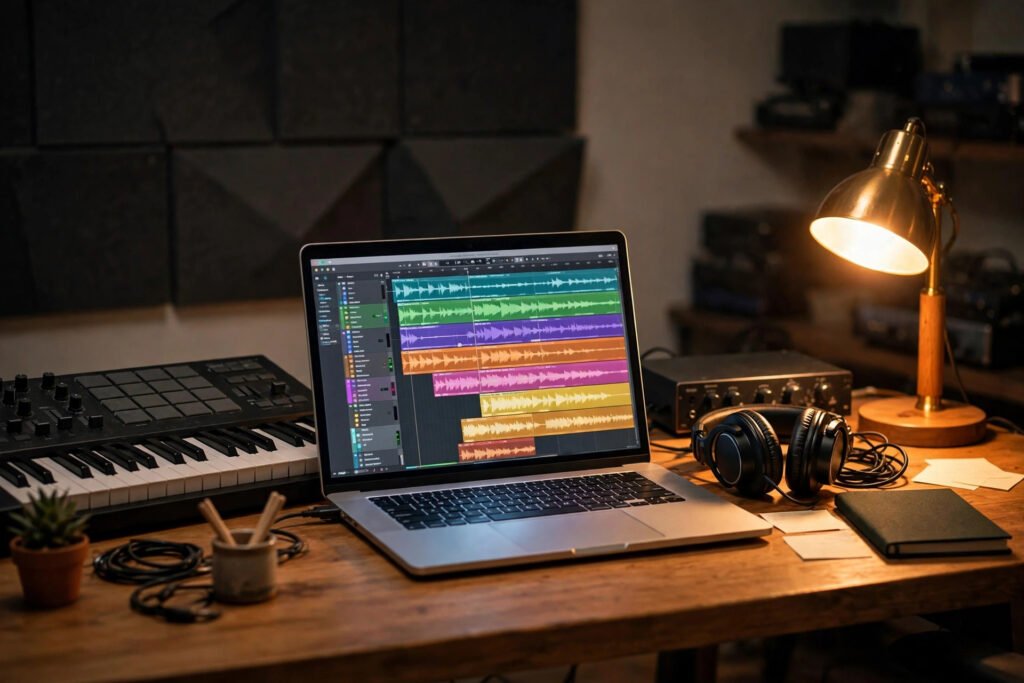
Every professional producer started with terrible first beats made on whatever software they could afford — which, for most beginners, means free. The good news is that free DAWs (digital audio workstations) in 2026 are astonishingly capable: the gap between free and paid software has never been narrower, and several free options are genuinely used on commercial releases. The bad news is that choosing wrong costs you weeks of learning a workflow you’ll abandon. This guide compares the best free DAWs for beginners in 2026 honestly — what each one does well, where each frustrates, and which one matches the music you actually want to make.
What a beginner actually needs from a DAW
Forget feature checklists. As a beginner you need four things: a workflow you can understand in a weekend, enough built-in instruments and effects to finish songs without buying plugins, stability that doesn’t eat your work, and a large community making tutorials for it. Everything else — advanced routing, surround mixing, video scoring — can wait. The DAW that gets you from “I have an idea” to “I finished a song” fastest is the right one, because finished songs are what build skill. A $600 DAW you never open loses to a free one you use daily.
BandLab / Cakewalk: the most fully-featured free option
Cakewalk by BandLab remains the heavyweight champion of free DAWs — a former $600 professional program, now completely free with no track limits, no feature locks, and no expiration. It includes a deep set of built-in instruments, pro-level mixing tools, and ARA integration for vocal editing. The tradeoff is complexity: the interface shows its professional heritage, and beginners sometimes feel overwhelmed by the sheer number of panels and menus. It’s also Windows-only, which rules out Mac users entirely.
Choose Cakewalk if you want the deepest free toolset available and you’re on Windows. Give yourself two weeks with tutorial videos before judging it — the learning curve is real, but so is the ceiling. Few free DAWs can take you as far.
GarageBand: the best starting point for Mac and iPhone owners
If you own a Mac, iPhone, or iPad, you already own one of the best beginner DAWs ever made, and it cost you nothing extra. GarageBand’s genius is its approachability: the Drummer feature generates realistic drum tracks automatically, Live Loops let you build arrangements like a DJ set, and the interface hides complexity until you need it. Countless hit songs started as GarageBand demos, and projects transfer directly into Logic Pro if you ever upgrade.
The limitations are real but reasonable: fewer mixing tools than Cakewalk, no Windows or Android version, and you’ll eventually outgrow it if you get serious. But “eventually outgrow” is a wonderful problem — it means you stuck with music long enough to need more. For absolute beginners on Apple devices, start here without hesitation.
LMMS, Waveform Free, and the cross-platform contenders
LMMS (free, open-source, Windows/Mac/Linux) is beloved by electronic and hip-hop producers for its beat-focused workflow and lifetime-free updates, though its interface feels dated and its built-in sounds need supplementing. Waveform Free (Tracktion) offers an unlimited-track DAW with a modern interface and no artificial restrictions — an underrated pick for beginners who want something that looks like 2026 software. And don’t overlook web-based options: BandLab’s browser/mobile studio and Soundtrap let you start producing on a Chromebook or phone with zero installation, which is perfect for testing whether you enjoy production before committing to desktop software.
What about the “free” versions of paid DAWs?
Nearly every major paid DAW offers a free tier — Ableton Live Lite, FL Studio trial, Cubase LE, Pro Tools Intro, Studio One Prime — and they’re worth understanding. The trials (like FL Studio’s) let you use everything but not save or reopen projects, which makes them great for test-driving but useless for real work. The “lite” versions let you save but cap tracks, instruments, or features. These are excellent if you already know you want that specific DAW eventually — learning Ableton Lite’s workflow transfers directly to the full version. But as pure free DAWs, they’re deliberately hobbled; the fully-free options above give you more room to grow.
Gear you actually need (it’s less than you think)
Here’s the liberating truth: to start producing, you need a computer, headphones, and the DAW. That’s it. Your laptop’s built-in audio works fine initially. When you’re ready to spend, the priority order is: decent headphones first — check the best budget noise-canceling headphones under $100 for options that double as mixing headphones in a pinch — then an audio interface and a microphone if you record vocals or instruments, then a MIDI keyboard controller. Skip the expensive studio monitors until your room is treated; in an untreated bedroom, good headphones beat cheap monitors every time.
And protect your work from day one: register your copyrights as you finish songs. The U.S. Copyright Office lets you register online for a small fee, and the Library of Congress maintains excellent free resources on how music copyright actually works. Future-you will be grateful.
How to pick: match the DAW to your music
Making beats and electronic music? Start with LMMS, BandLab’s tools, or FL Studio trial with an eye toward the full version. Recording a band or acoustic songs? Cakewalk (Windows) or GarageBand (Mac) handle live audio best. Songwriting with vocals? GarageBand’s simplicity or Waveform Free’s clean workflow. Producing on a phone between classes? BandLab mobile. The genre-first approach beats the feature-first approach every time — and remember that starting a vinyl collection on a budget is a great parallel hobby for training your ears while you learn production.
Conclusion
The best free DAW for beginners in 2026 is the one you’ll actually open every day: GarageBand for Apple users, Cakewalk for Windows users who want maximum depth, LMMS or Waveform Free for everyone else, and web-based tools if you’re just testing the waters. All of them are capable of producing releasable music — the limitation is never the software, it’s the hours. Download one tonight, finish your first terrible song this week, and finish a slightly less terrible one next week. That’s the entire secret of music production, and it costs exactly zero dollars to start.
Frequently Asked Questions
Can you make professional music with a free DAW?
Yes. Free DAWs like Cakewalk and GarageBand have been used on commercial releases. Mixing skill and songwriting matter far more than software price — the DAW is a tool, not the talent.
Which free DAW is easiest for complete beginners?
GarageBand (Mac/iPhone/iPad) is the easiest by a wide margin thanks to its guided workflows and automatic drummer. On Windows, BandLab’s tools or Waveform Free are the most approachable fully-free options.
Should I just pirate a paid DAW instead?
No — it’s illegal, exposes your computer to malware, and is unnecessary when legitimate free options are this good. Pirated software also can’t be updated and often crashes, which kills creative momentum.
When should I upgrade to a paid DAW?
When you’ve finished 10–20 songs and can name specific features you’re missing — not before. Upgrading to solve a workflow problem you can articulate is smart; upgrading because you think better software makes better music is a trap.